Stck · 2023
Picto AI
Make AI images right inside the editor
Picto lets writers on Stck make images with AI without leaving the editor. Type what you want to see, and Picto makes it. Use it for book covers, photos, illustrations or art.
Making images was slow and happened somewhere else
Too many steps
Making an image and adding it to a post took longer than creators wanted.
No way to use it right away
A new image couldn't go straight into a draft, a published story or a book cover.
Not in the editor
Creators had to download the image, go back to the editor and upload it again. It broke their focus.
No way to edit
Creators couldn't change anything about the image, so they lost interest.
Results weren't good enough
The images didn't make people want to keep going, so fewer people paid for premium.
Make creating images easy
Keep it simple
Clarity
A clear, friendly screen that creators understand straight away.
Make it faster
Speed
Fewer steps between an idea and a good image.
Let people edit
Control
Tools and filters so creators can make each image their own.
An image tool inside the draft
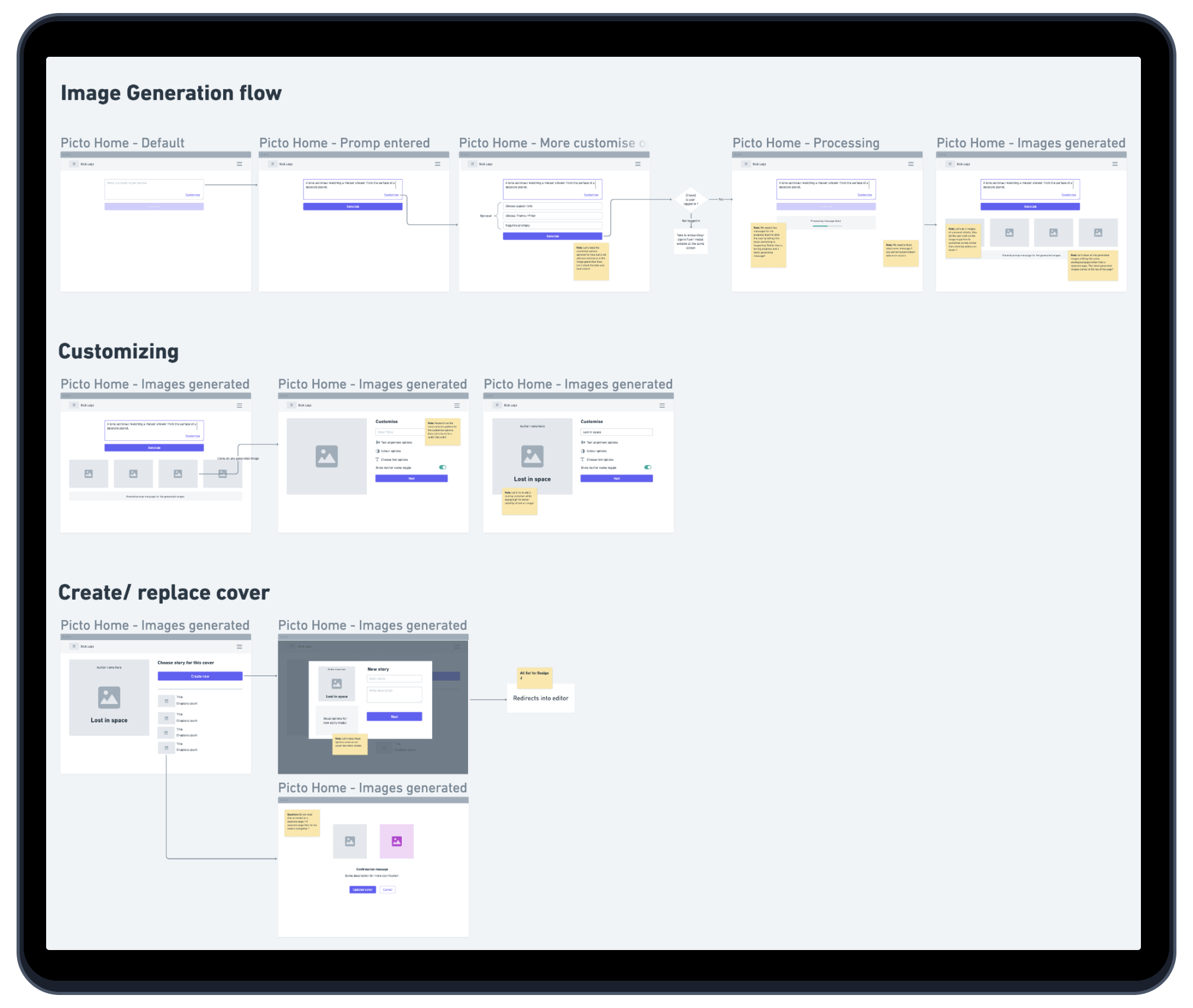
Picto opens where the writing happens. Making an image is then a short loop: pick one, edit it, place it, and start the next one in the same draft.
Inside the editor
Then, every time
How it felt, before and after
First, the old way: make an image somewhere else, download it, come back and upload it. Then the same job with Picto inside the editor.
Persona
RohanFantasy writer on Stck
Scenario
Rohan is writing a new chapter and wants a cover image that matches its mood. Before Picto, that meant another tool, a download and an upload.
Goal
Get the right image into the story without leaving the editor
Make it elsewhere
Make images inside the editor.
Download
Skip the download step entirely.
Upload again
Add the image to the story in one tap.
Picto home
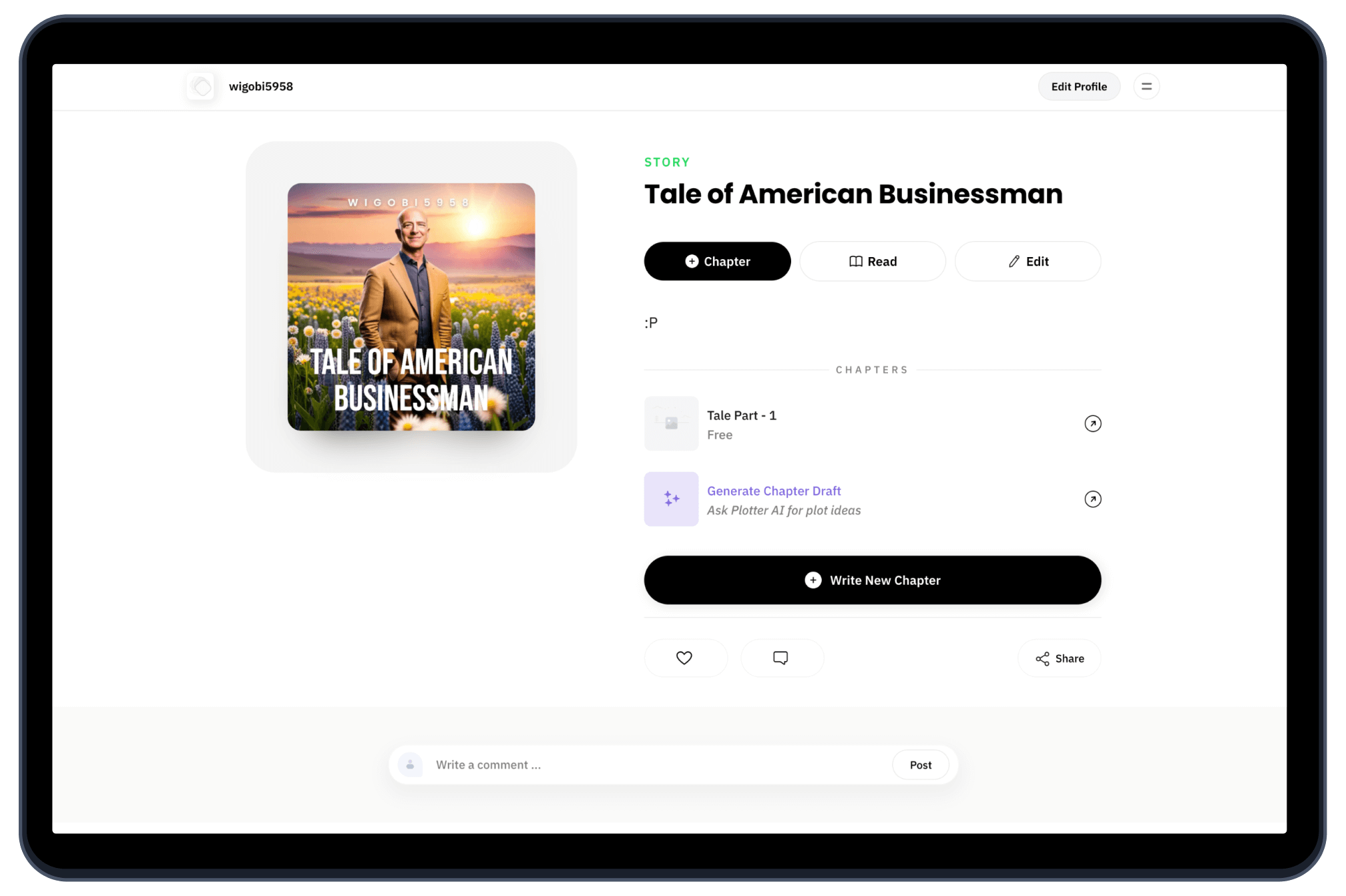
Suggest prompts from the story's own text.
Results
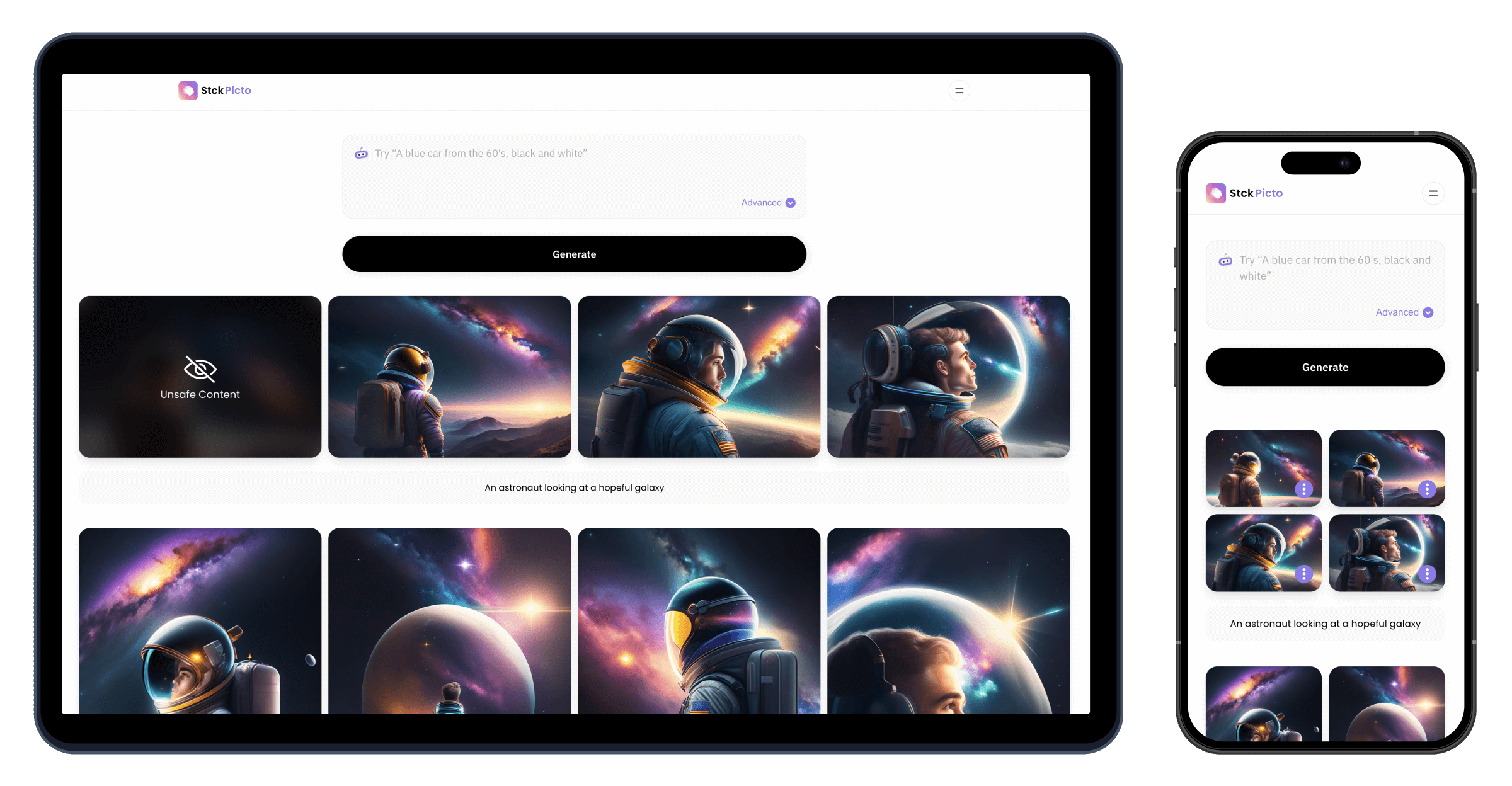
Let people refine one result instead of starting over.
Edit
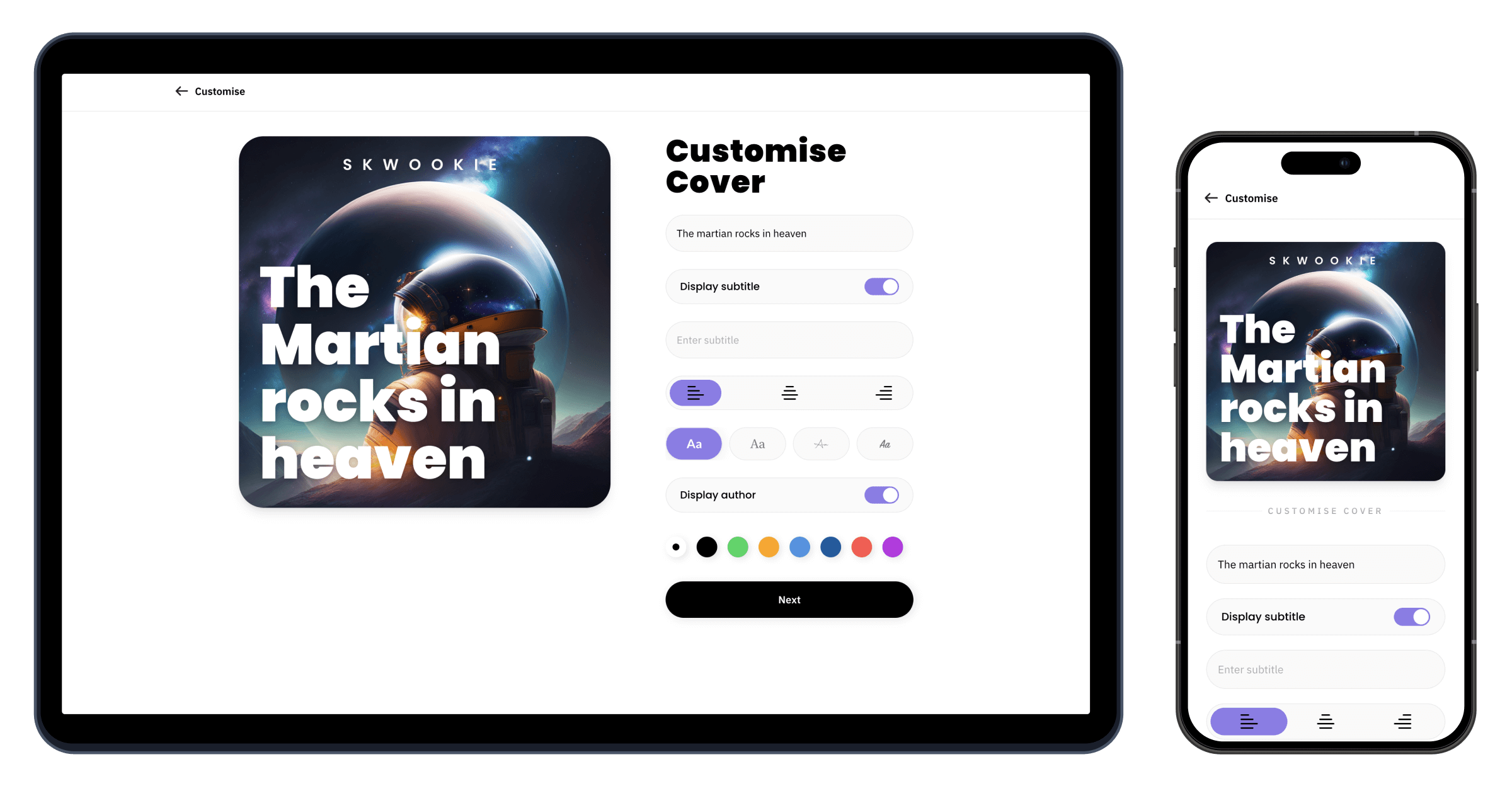
Remember a writer's favourite fonts and colours.
Choose story
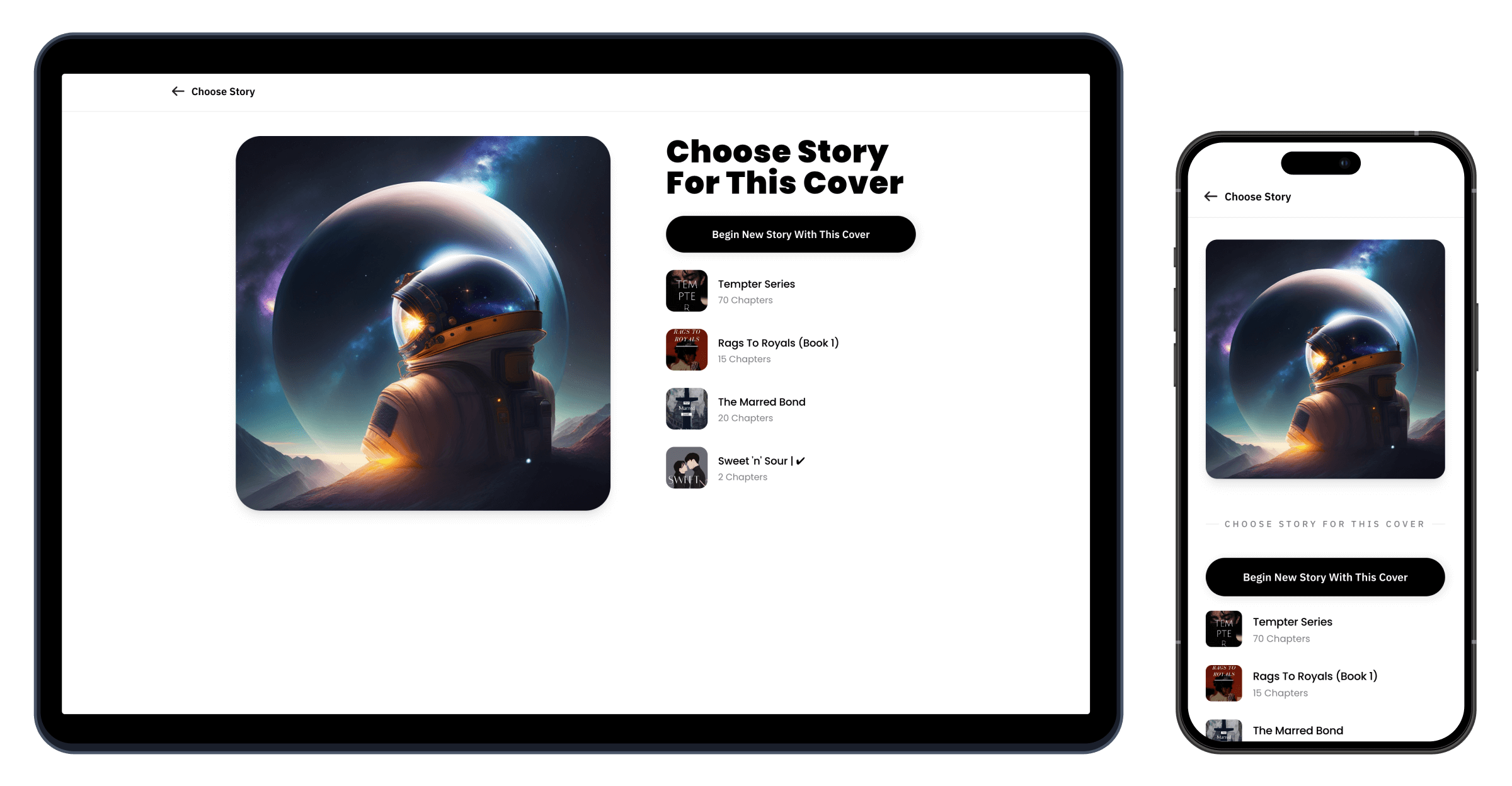
Show which stories still have no cover.
Replace cover
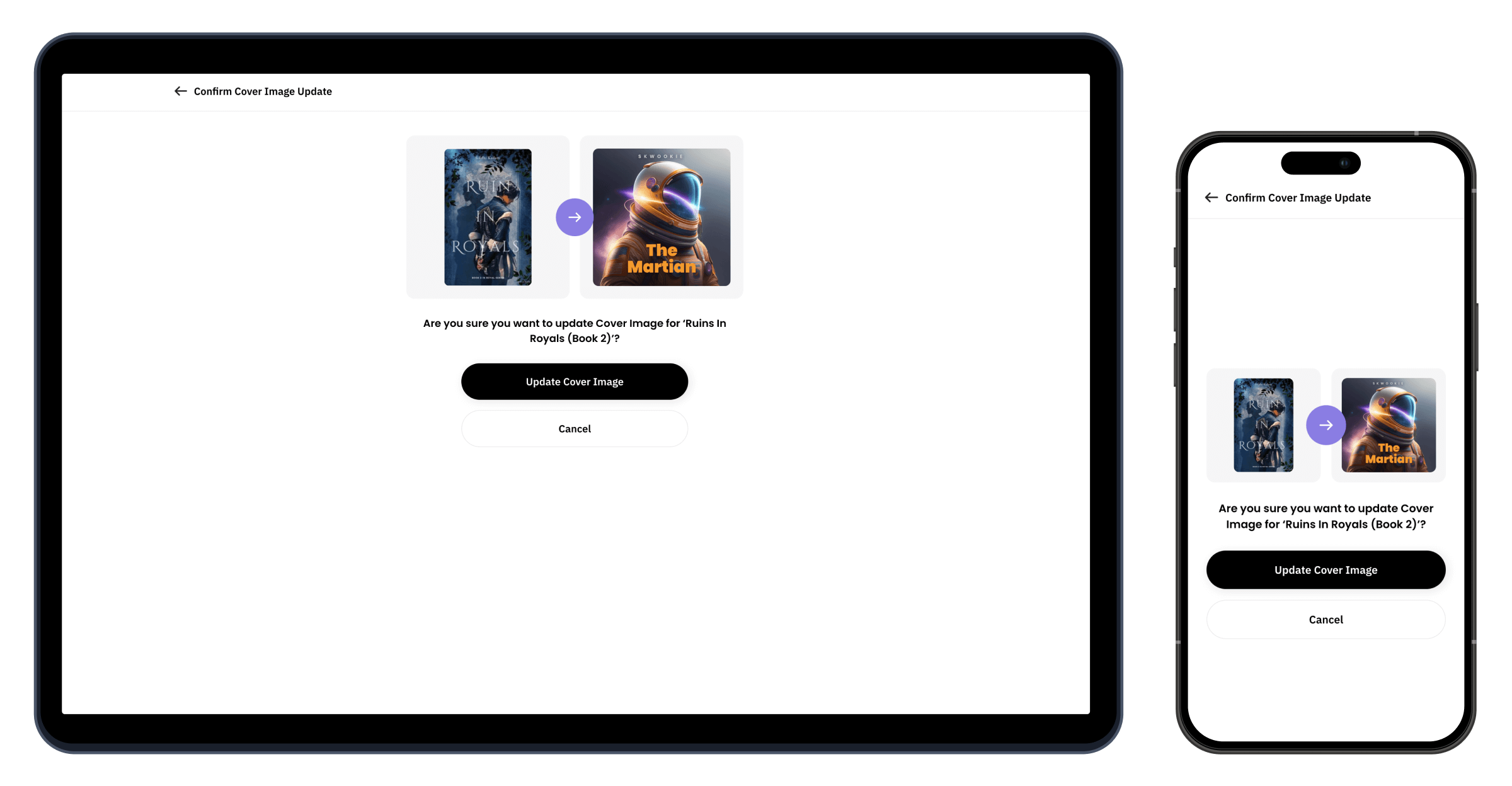
Keep old covers so writers can switch back.
Drag or scroll sideways to see every step →
From prompt to finished image
We put Picto inside the editor, so a creator can make an image, edit it and add it to their draft in one go. No downloading and no uploading.
What changed
+20%
More users
4.5/5
Satisfaction score
+25%
Longer sessions
+15%
Premium sign-ups
Fewer choices made it better
We kept one clear text box and hid everything else under advanced options. That let new creators go from an idea to an image in their draft without leaving the page. Next, we want better models, more styles and more editing tools, based on watching how people really use it.
See more projects
Stck Books. Print on demand for every book.
A print-on-demand system built from scratch. Any book on Stck can become a printed paperback and ship anywhere in the world.
Petdoo. Find a pet that fits your life.
A pet adoption app that helps people find a pet that suits the way they live.
Headlines. Swipe through the news.
A news app for busy readers. Swipe through the day's stories on your phone, one card at a time.
Comments. Better discussion under every article.
Comments under every article, checked by moderators so the conversation stays useful and polite.







Earnings. A clear view of what creators make.
A new earnings page that shows creators what they made, what was taken out and when they get paid.
 Antony



Custom Domain. Your own web address.
Creators can connect their own web address to their Stck page and look more professional.

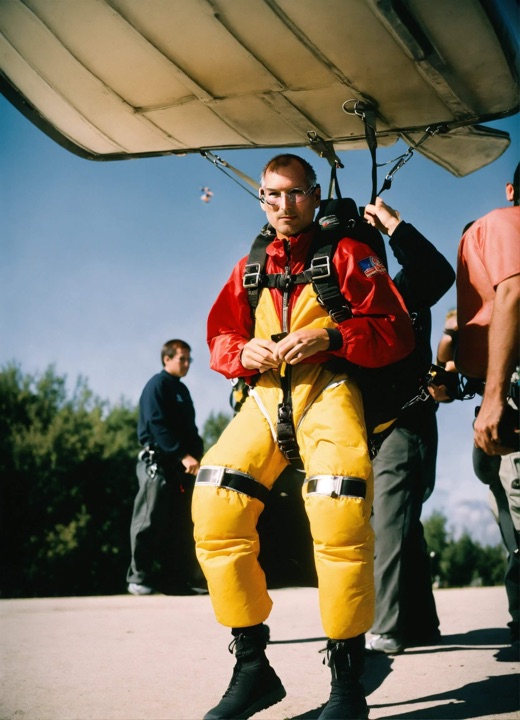
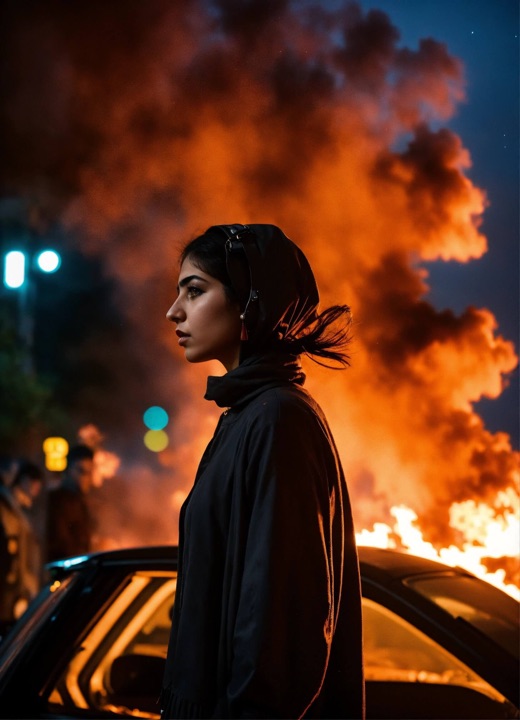
Visualise AI. Turn words into pictures.
Highlight a paragraph and get a picture for it, right inside the post you're writing.
Stck sign-up. Fixed inside Instagram.
Google sign-up kept failing inside Instagram's browser. A small fix that explains why and shows a way out.
Loved this piece. The stand-up scene here finally has the stage it deserves.
Reply Report@Aditi Agreed. The open mic nights have been packed all month.
Saw the festival lineup last week. Good to see so many first-time comics getting a proper slot this year.
Reply Report